Commercial video surveillance
See the entrances, yards, docks and lanes that matter. We plan each view around what you need to make out, then install the cameras, cabling and recording, and show your team how to find and export footage.
- In business since 2020
- We walk the site before we quote
- Labelled, tested and documented at handover
What we can help with
A camera system is only worth what it shows when you need it. We plan coverage first, then install, aim and set up IP cameras for warehouses, yards, offices and multi-residential buildings across the GTA and select Southern Ontario sites.
- Coverage for a warehouse, truck yard, office or parking lot
- More Axis, Avigilon or Hanwha cameras on the recorder or VMS you already have
- Swapping an old PTZ for a multi-sensor panoramic camera
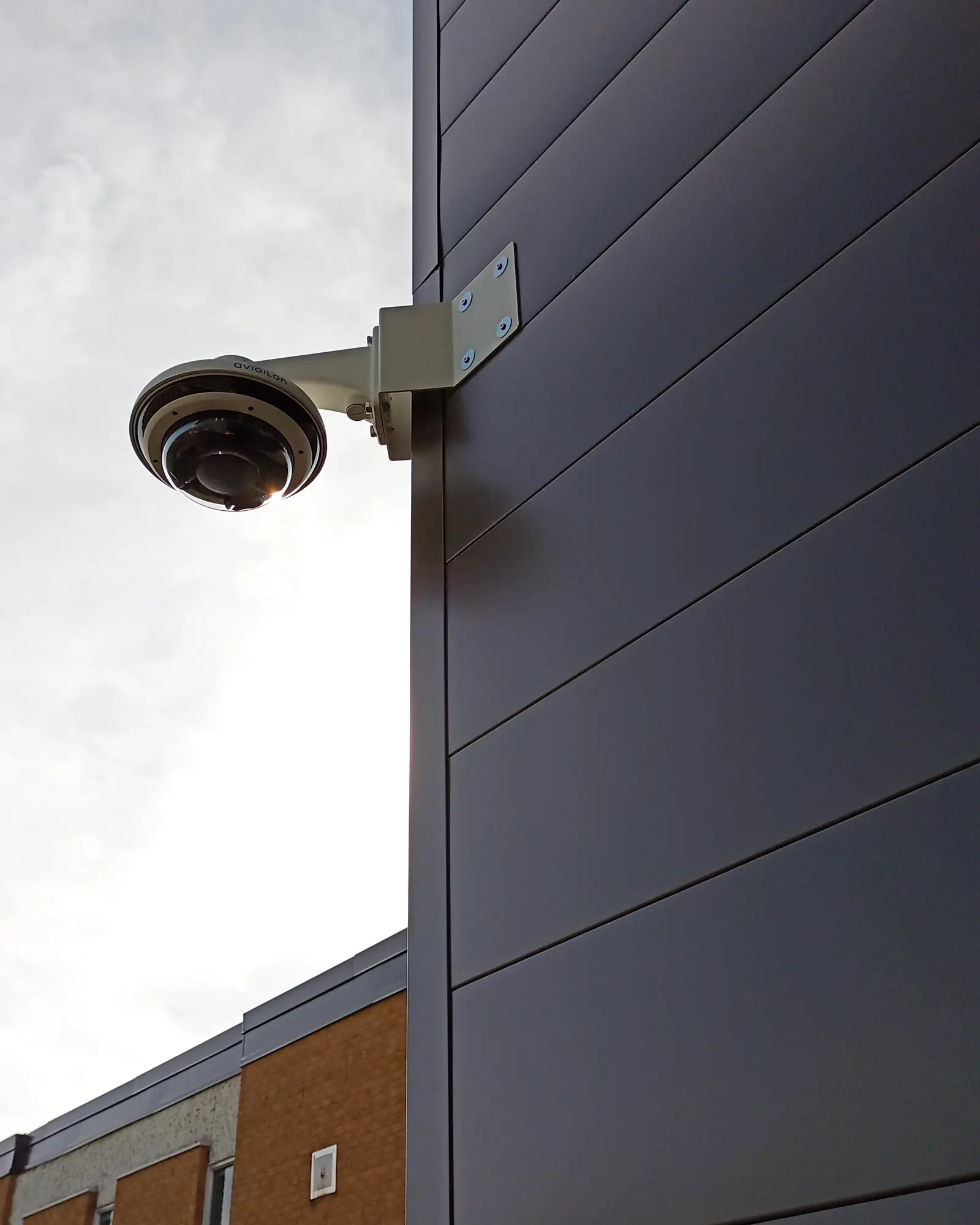
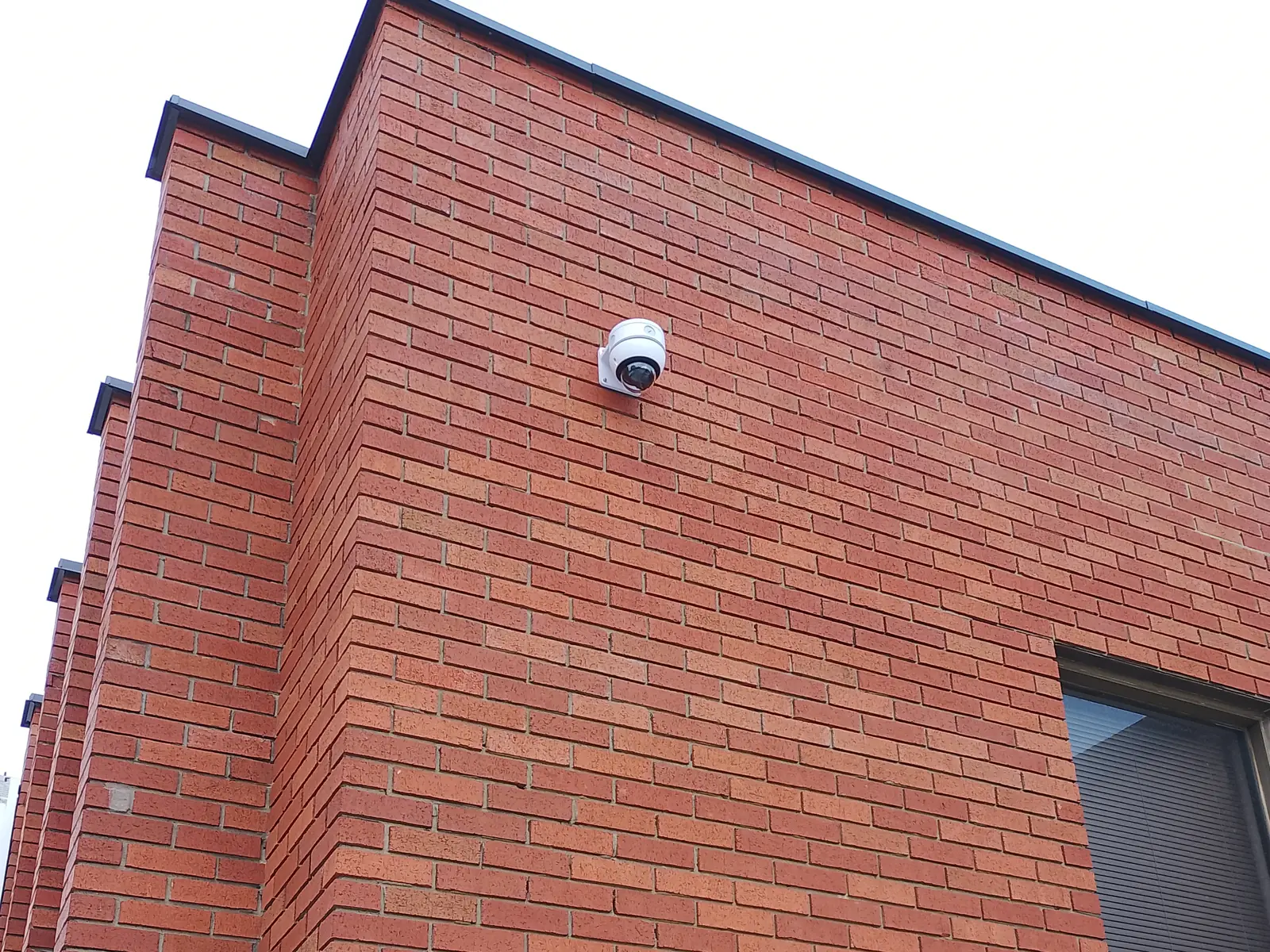
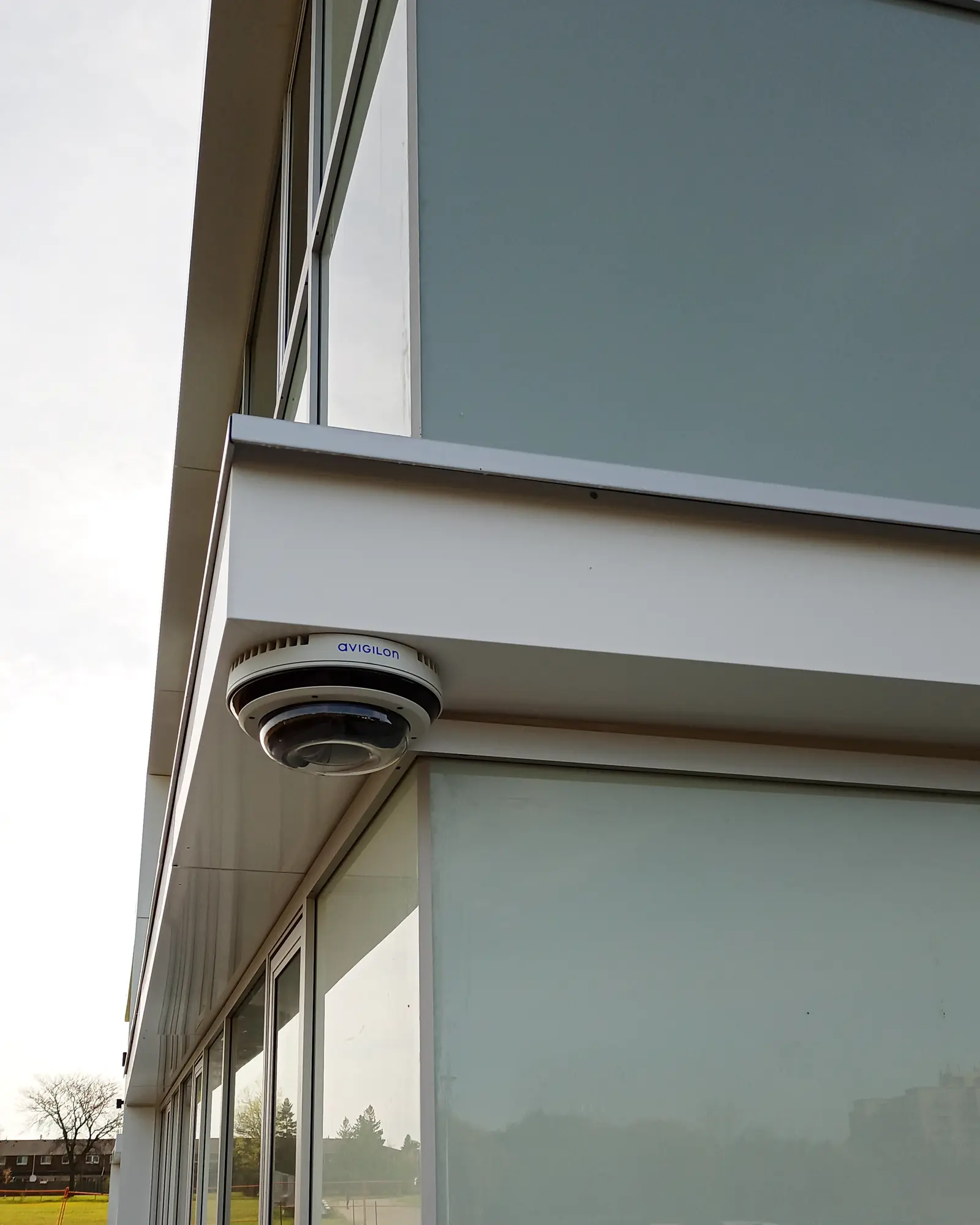
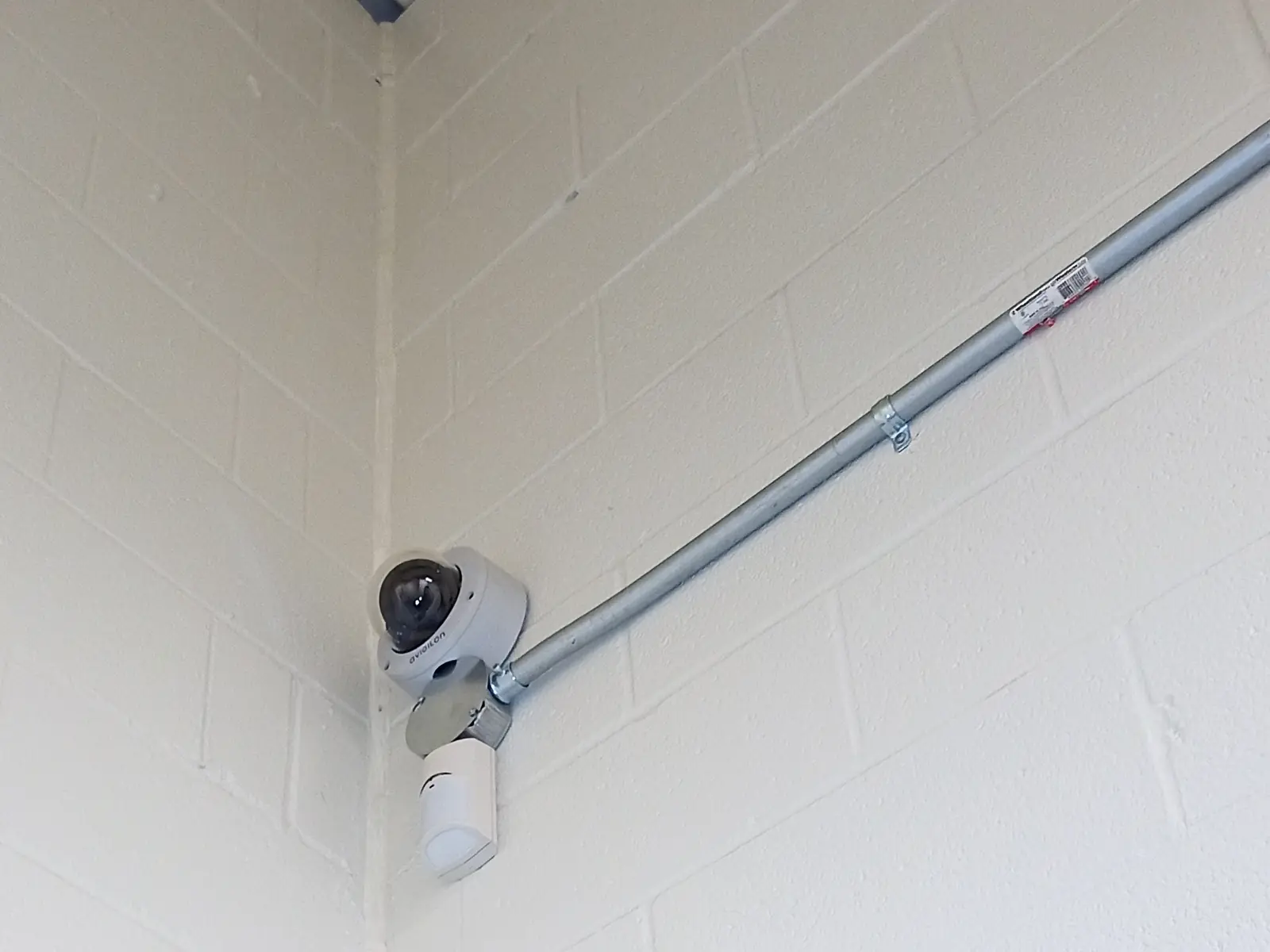
Photos from our jobs
How we plan coverage
Planning coverage
Start with what each camera has to show. Seeing that someone crossed the yard, recognizing a person you know and reading a licence plate at the gate are three different jobs, and each needs more detail on the target than the last.
Mounting height and angle decide where a camera’s blind spot falls and how far it sees usefully. We plan overlap so the area under one camera is covered by the next.
Why fixed addresses matter
Every camera we set up gets a fixed network address and a documented switch port. A camera that picks up a new address after a power cut can quietly drop off the recorder, and nobody notices until they need the footage.
- 1
- Camera, height and tilt
- Mounting height and tilt set the blind zone at the base and the useful far limit, before any lens is chosen.
- 2
- PoE cabling
- One cable carries power and video. Cable length usually limits where a camera can go.
- 3
- Recorder and storage
- With on-site recording (an NVR, or storage in the camera), cameras keep recording through an internet outage as long as they and the network have power. A UPS buys limited time in a power cut, and remote viewing may drop out until the internet is back. Storage is sized for resolution, frame rate and required retention days.
- 4
- Blind zone
- The blind zone shown here needs coverage from another camera.
- 5
- Coverage bands
- Identify, recognise and detect are pixel-density bands — roughly 250, 125 and 25 pixels per metre. A camera that detects at the fence will not identify at the fence.
What’s included
| Part | What we do |
|---|---|
| Cameras | Avigilon, Axis and Hanwha Vision dome, bullet, panoramic, fisheye and PTZ IP cameras for interiors, docks and exteriors |
| Multi-sensor | 180°, 270° and 360° multi-sensor cameras in one housing on a single Cat6 cable, with no moving PTZ parts |
| Licence plates | Axis and Avigilon licence-plate recognition (LPR) cameras at truck gates and vehicle lanes, tuned for day and night |
| Thermal | Thermal and analytic perimeter cameras that pick out people and vehicles in darkness, glare and bad weather |
| Mounting | Wall arms, corner brackets, yard poles, warehouse truss drops and non-penetrating roof sleds |
| Recording | On-site NVRs, in-camera SD storage, or cloud VMS recording |
| Software | Avigilon Unity/Alta, Axis Camera Station, Genetec and ONVIF VMS setup with user roles, camera naming and analytics |
| Aiming | Each camera aimed and focused to the coverage plan, given a fixed IP address and recorded on the as-builts |
| Handover | Coverage reviewed with you on screen, and operators shown how to search and export video |
We test and label the work in our scope, show your team how to use it, and hand over the agreed records: cable test reports, as-builts and port schedules where they’re part of the job.
Request a quote